 DE
DEAnbieter: PDG ibma
Portable 12V100A Lifepo4 Battery Charger 40A 50A Lithium Battery Charger 60A 85A with Adjustable Voltage and Current Anderson
2 in den letzten 5 Stunden verkauft
Noch 50,00 € bis zum kostenlosen Versand
Voraussichtliche Lieferzeit : 9. Oktober - 11. Oktober.
Garantiert sicher bezahlen
Beschreibung
Brand Name: capacity.Li
Certification: CE,RoHS
Compatible Devices: Battery
Data Transmission: Other
Display screen: Yes
GaN: No
High-concerned chemical: None
Intelligent Charge: Yes
Max. Output Power: 1500W
Model Number: LF-100t
Origin: Mainland China
Output Power: >750
Package: Yes
Power Source: Ac
Quick charge: Yes
Type: Electric
Use: Standard Battery
Voltage range: High voltage (50-1000V DC, 75-1000V AC)
Do not adjust the charger voltage during charging. The voltage of the charger itself will fluctuate, and it is normal to charge the battery with a constant voltage. When the battery is fully charged, the current on the charger display screen will be displayed as zero or close to zero. As long as the charger is connected to the power, the fan will start until the power is disconnected. Please do not connect the charger to the battery until the voltage is properly adjusted. Remember! If you don't understand, please consult customer service!
Both current and voltage can be adjusted. Manual adjustment is required!
Input: AC100-240V, 45-65HZ
Output: Voltage DC 0-15V/40A-100A
Voltage adjustable: 0-15V
Maximum output current: 40A/60A/85A/100A, adjustable current
Constant charging voltage: 14.6V (4s lifepo4 battery)
Constant charging current: 15A
Charging mode: Level 3, CC, CV, Trickle
Net weight: 1.8KG
Size: 5 * 7.4 * 2.7 inches
Shell color: black
LED indicator light: red
Various protections: no-load output, reverse connection, short circuit protection, over temperature protection, low voltage protection, overvoltage protection, overcurrent protection
Usage: 12V battery is suitable for various types of RVs, commercial vehicles, ships, yachts, etc.!
Warranty period: 12 months (free technical and accessory support, if you need to return to China, the buyer will bear the shipping cost). Please+to+, - to -. Do not connect backwards. The effect of disconnecting within 10 seconds after reverse connection is not significant. If it exceeds 10 seconds, the motherboard will burn out. I suggest never taking it back.
The following is an introduction to the new 2025 large screen charger. When connecting the power supply, please be sure to first press the button to turn on the charger, so that the OFF button in the upper right corner of the screen is changed to ON (icon 5). The actual current and voltage are displayed on the left side of the screen, and the set voltage and current are displayed on the right side. Do not modify the parameters set on the right side (icon 9). Especially do not change the power value. Otherwise, there will be no warranty! Please refer to the position indicated by the arrow in the figure below. When fully charged, the voltage displayed on the left is the charging voltage, and the current is 0! 25 year new large screen charger operation video:https://mauspadpro.com/seller/play/5000231650070.mp4The following will introduce a fixed voltage of 50A80A. This voltage is fixed at 14.6V and cannot be adjusted. The current can be adjusted from 0-50A/0-80A. Specially designed charger for LIFEPO4
Special instructions for 60A/50A/85A/100A charger: plug the charger into the power supply first - check the voltage - adjust the voltage - connect the load - adjust the current.
Step 1: Do not connect the battery to the charger, turn on the power, adjust the voltage knob to adjust the voltage, refer to the voltage display on the top of the display screen, (4S lifepo4 battery 3.65 v * 4=14.6V, 3S lithium battery 4.2 v * 3=12.6V), and adjust to the voltage you need (you can adjust the voltage with a multimeter. The display screen will have minor errors.).
Step 2: Adjust the current to the minimum. After connecting the battery, adjust the current from small to large to the current you need. (It is not allowed to adjust the voltage knob again during the charging process, otherwise it will be overcharged or undercharged, and the host may be burned.) If the voltage is displayed and the current changes to zero, it means that it is fully charged.
Step3 3: For later use (the voltage has been set for the first time, and it is unnecessary to set it later) ------ Connect the battery first (it is important to protect the charger) ------ Connect the power supply again ------ Follow this procedure for later use, and do not need to adjust the voltage and current (unless you want to modify it)
Video operation method: https://mauspadpro.com/3QDYR0f2Td8
14 Tage kostenlose Rückgabe1 Jahr Garantie
KundenserviceHilfe, wenn du sie brauchst
QualitätsgarantieDurch unser Versprechen abgesichert
Das könnte dir auch gefallen
 Im AngebotSmartphone Vlogging Kit for iPhone Android with Tripod Mini Microphone Starter Vlog kit for TikTok Live Stream Video YouTube9,09 €
17,76 €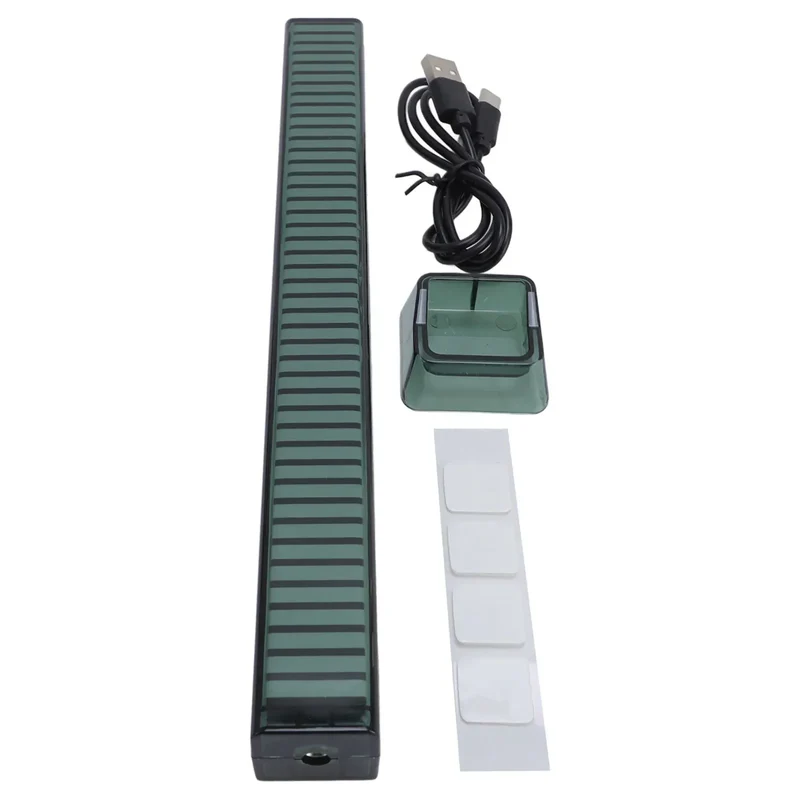 Im AngebotLED Ambient Light Bar RGB Music Light Sound Control Rhythm Sync LED Ambient Light Bar with Base Multiple Colors and Modes16,56 €
31,94 € Im AngebotUniversal Clip-On LED Selfie Ring Light, Rechargeable and Portable with 3 Adjustable Brightness Levels for All Phones11,73 €
18,55 € Im AngebotMobile Phone LED Selfie Ring Light Portable Mini Durable Practical Three Stop Dimming Circle Photography Clip Fill Light7,37 €
14,30 €