 DE
DEAnbieter: PDG ibma
1080P 60M HDMI Extender with KVM USB
7 in den letzten 5 Stunden verkauft
Noch 50,00 € bis zum kostenlosen Versand
Voraussichtliche Lieferzeit : 7. Oktober - 9. Oktober.
Garantiert sicher bezahlen
Beschreibung
60M HDMI KVM extender 1080p
The Extender uses single cat5e or cat6(recommended)cables instead of HDMl cable to transmit high definition signal up to 60 meters,cutting down the cost. The Extender is designed to supply for long distance transmission of high definition signal.
Features:
1: Support highest video resolution 1080p/60Hz; 2: 60M long distance transmission:
3: Both the TX and RX support 3.5MM left and right audio output; 4: Low power consumption, low temperature and high safety; 5: Support IR remote control; 6: Support USB mouse and keyboard extension.
Operating and Connecting:
1.Connect one HDMI cable between source device and TX Extender
2.Connect one HDMI cable between sink device and RX Extender
3.Connect Single cat-5e or cat-6(recommended) cables up to 200 meters instead of HDMI cables between TX and RX Extender
4.Connect 5V power supply to the Extender
SPECIFICATIONS:
|
Length of CAT-6 cable between Rx and TX |
Up to 60 metres |
|
HDMI Resolutions |
1080p/1080i/720p/576p/576i/480p/480i |
|
Max bandwidth |
150MHz |
|
Max baud rate |
4.5Gbps |
|
Input Video signal |
0.5~1.5Volts p-p |
|
Output DDC signal |
5Volts p-p (TTL) |
|
HDMI cable distance |
Input<=10m AWG26 HDMI standard cable output<=15m AWG26 HDMI standard cable |
|
Power adapter format |
Input:AC (50HZ~60HZ) 100V-240V; Output: DC5V/1A |
| TX max working current RX max working current |
300mA 300mA |
|
Operating Temperature range |
(-15 to +45 Centigrade) |
|
Operating Humidity range |
5 to 90%RH (No Condensation) |
|
Dimension (L x W x H) |
94x84x24mm |
|
Weight |
220g*2PCS |
Connecting and Operating:
1.Connect one HDMI cable between source device and TX Extender, the max cable
distance is 10 meters.
2.Connect one HDMI cable between display device and RX Extender, the max cable
distance is 15 meters.
3.Connect single cat-5e or cat-6(recommended) cables instead of HDMI cables between
TX and RX Extender, the max cable distance is 60 meters.
4.Connect 5V power supply to the TX and RX.
6.EDID button: The button can support the switch of EDID between 720P and 1080P.(1080P is the default EDID when the power is on).
7.Plug the IR receiver cable into the receiver,and IR transmitter cable plug into the transmitter if you need the IR receiver cable,aim at the equipment which needs to control. 8. Plug the mouse and keyboard into the two USB port of the receiver,and connect the USB port of the transmitter with the computer if you need the KVM control function.


14 Tage kostenlose Rückgabe1 Jahr Garantie
KundenserviceHilfe, wenn du sie brauchst
QualitätsgarantieDurch unser Versprechen abgesichert
Das könnte dir auch gefallen
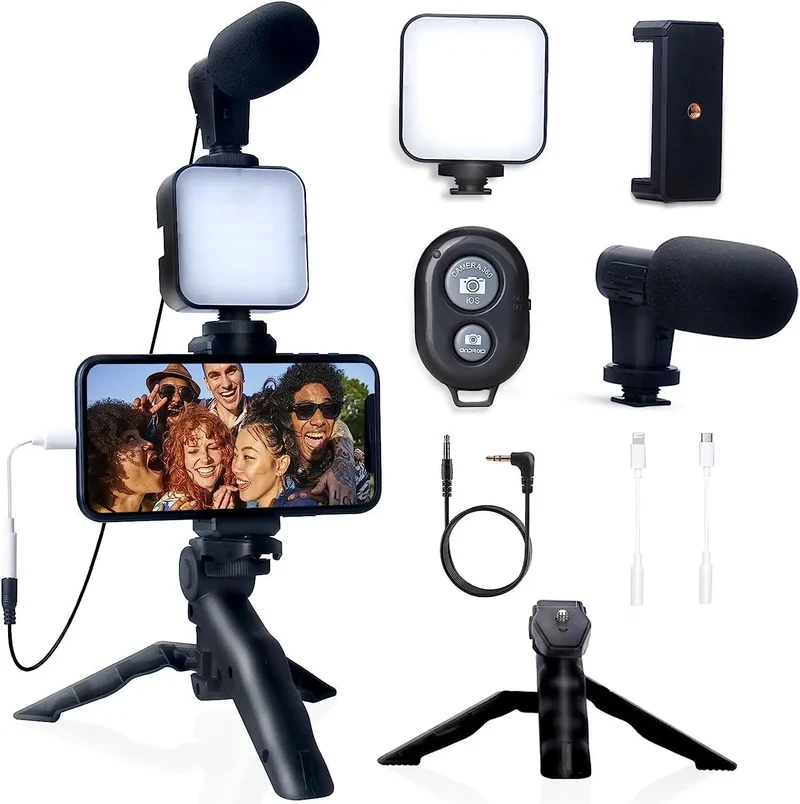 Im AngebotSmartphone Vlogging Kit for iPhone Android with Tripod Mini Microphone Starter Vlog kit for TikTok Live Stream Video YouTube9,09 €
17,76 €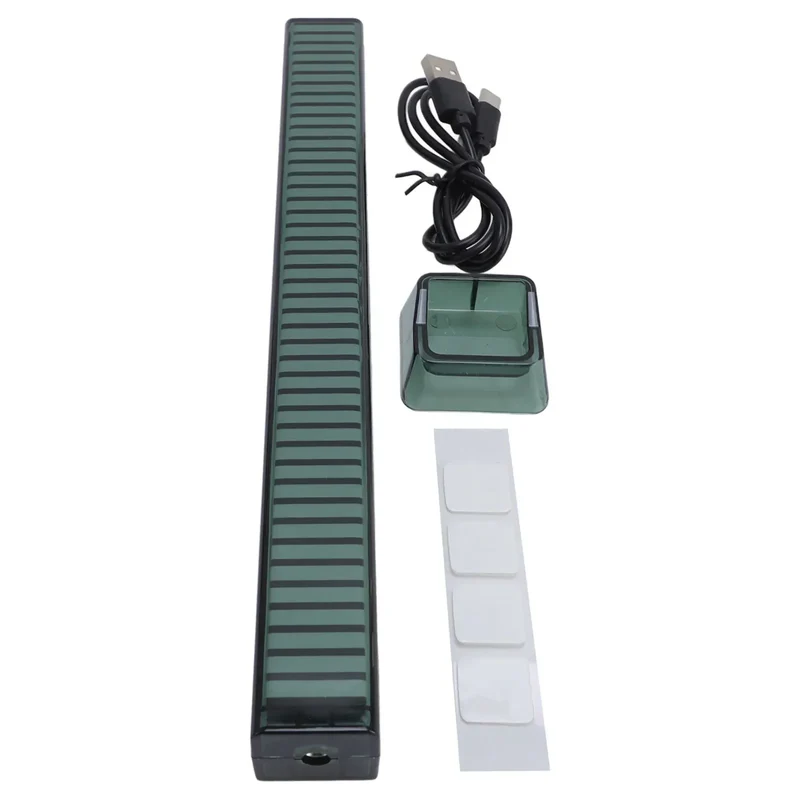 Im AngebotLED Ambient Light Bar RGB Music Light Sound Control Rhythm Sync LED Ambient Light Bar with Base Multiple Colors and Modes16,56 €
31,94 € Im AngebotUniversal Clip-On LED Selfie Ring Light, Rechargeable and Portable with 3 Adjustable Brightness Levels for All Phones11,73 €
18,55 €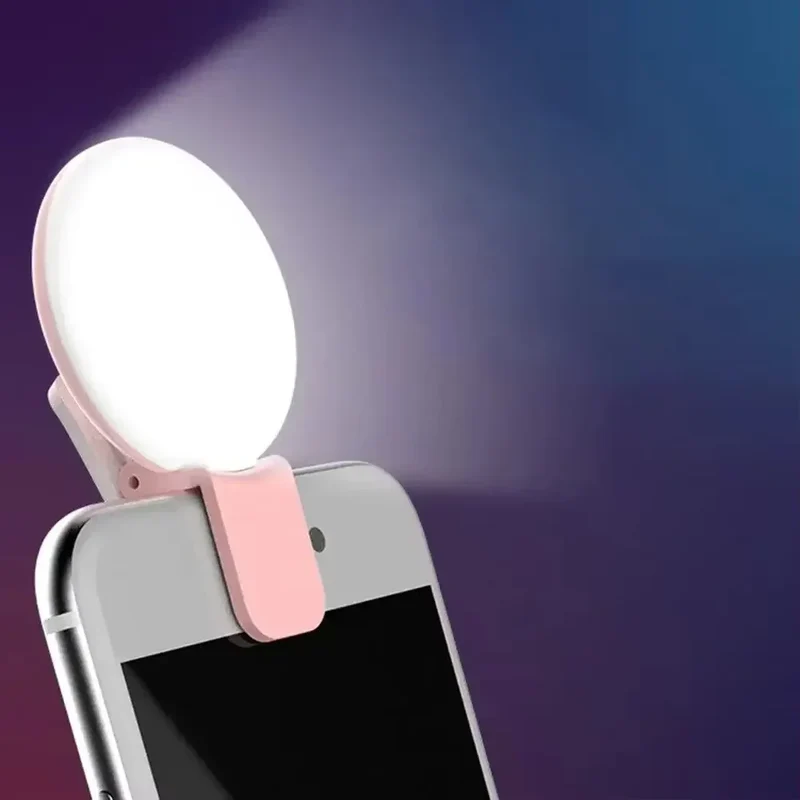 Im AngebotMobile Phone LED Selfie Ring Light Portable Mini Durable Practical Three Stop Dimming Circle Photography Clip Fill Light7,37 €
14,30 €